
FMU30 is the largest liquid level gauge on the market, and this article briefly describes its basic settings. FMU30 is a two-wire power supply instrument. The power line and the signal line are collinear.
1. PressEkey to enter basic settingsbasic setup
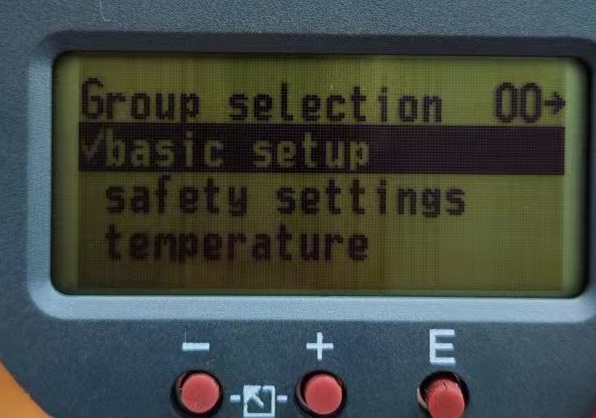
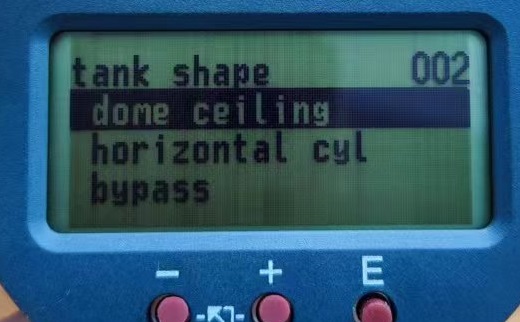
2.press againEkey, you can select the shape of the tank body. The common shapes are: A dome ceiling/vault tank B horizontal cyl. /horizontal tank C bypass/bypass pipe stilling well/ultrasonic guide pipe/waveguide/ultrasonic waveguide D no ceiling/open tank E sphere/spherical tank F flat ceiling/flat top tank, and select different tanks according to the user's own needs.
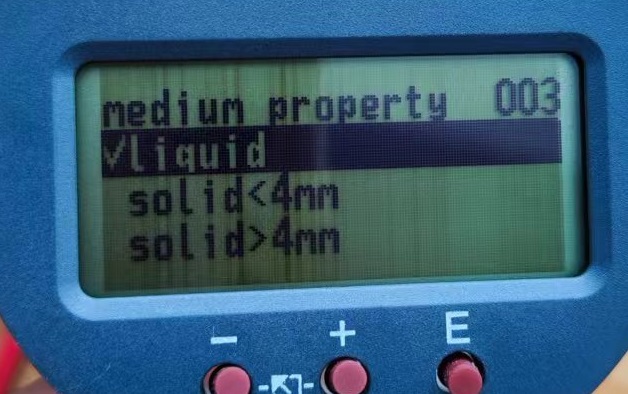
3. After selecting the shape of the tank body, the next step is to select the medium attribute, which is liquid, solid particles smaller than 4mm or solid particles larger than 4mm. The user chooses according to the medium of the tank body.
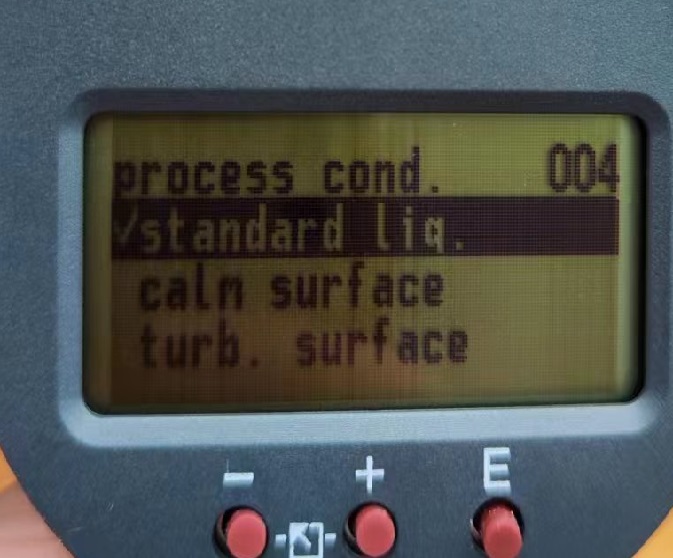
4.Select the good media properties, press the E key to enter the next setting process parameter Process conditions, our side generally default to select the standard liquid standard liquids, the other will be briefly introduced. calm surface is calm liquid level, turb. surface/disturbed liquid level add. agitator/additional agitator fast change/fast change standard solid/standard solid dusty/solid dust conveyor belt/conveyor belt
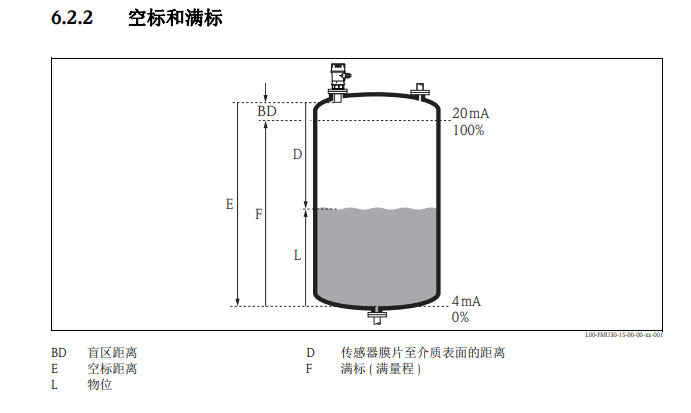
5.Select the process parameters and press the E key to enter the next one. At this time, the on-site personnel will set the tank according to different sizes. Empty mark calibration distance with full mark calibration and blind blocking. Briefly explain the differences between these several, here I use the pictures given in the instructions to explain. Full scale (full scale)=null distance-the blind area distance, the specific parameters should be set according to the site conditions.
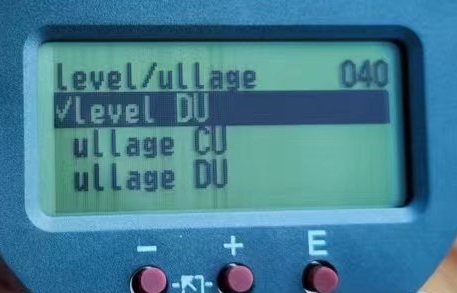
6.how to make the instrument display the distance as a percent sign and display specific values. First, press the E key in the display interface, press the left key to find the Linearisation, and press the E key to enter. The Level DU displays the actual distance, and the Level CU displays the percent distance. The ullage CU shows the remaining actual distance and the ullage DU shows the remaining percent distance. Users choose according to their needs.
7.How to display the length unit required by the user on the display interface, first press the E key on the display interface, and then press the left key to findthe system parameter, and then press the E key to enter, you can choose their own length units.
