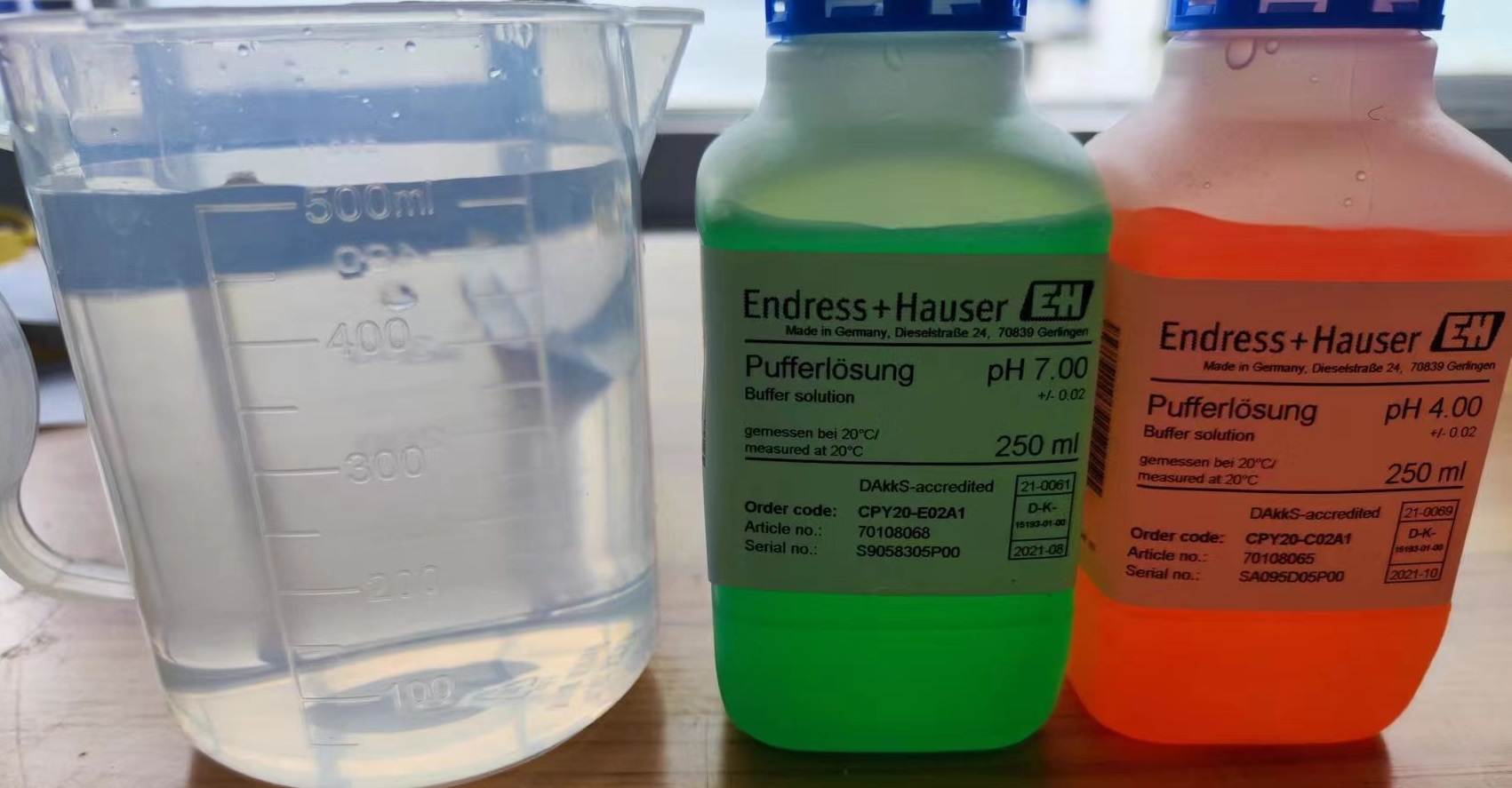
1.3 cups of liquid can be seen in the diagram, from left to right: pure water, 7.00PH value and 4.00PH value.
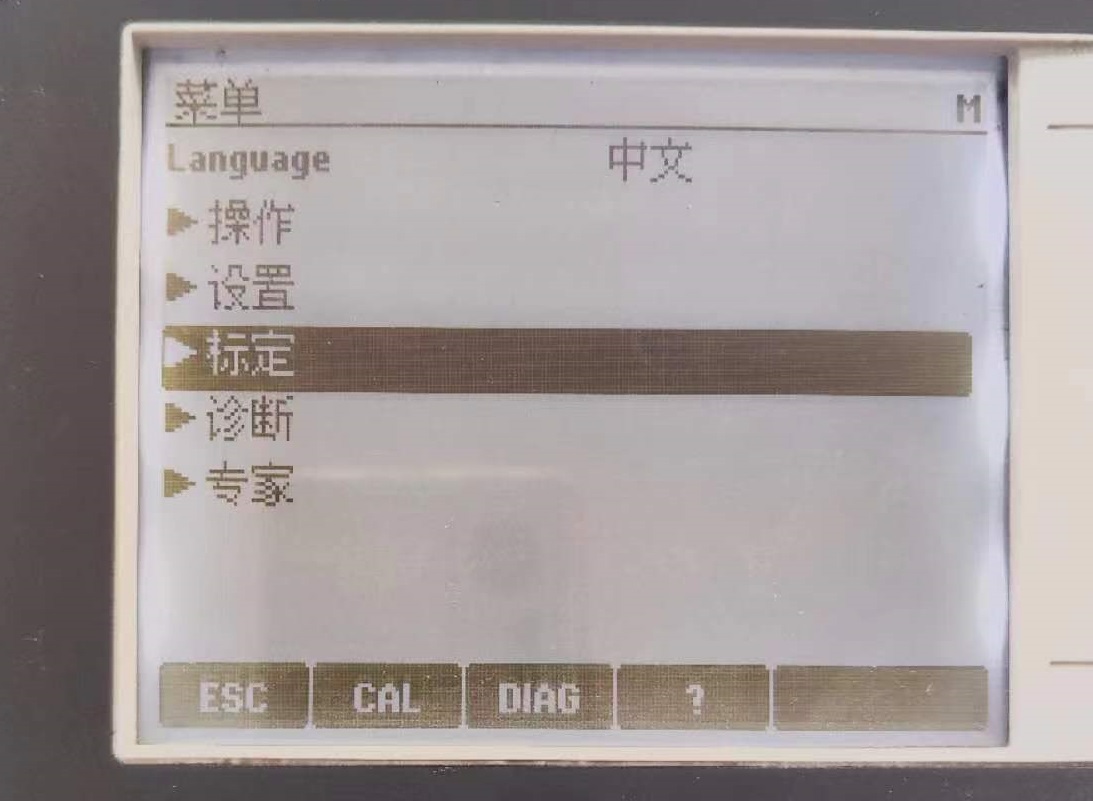
2. Find the calibration on the menu interface and press the middle key to enter.
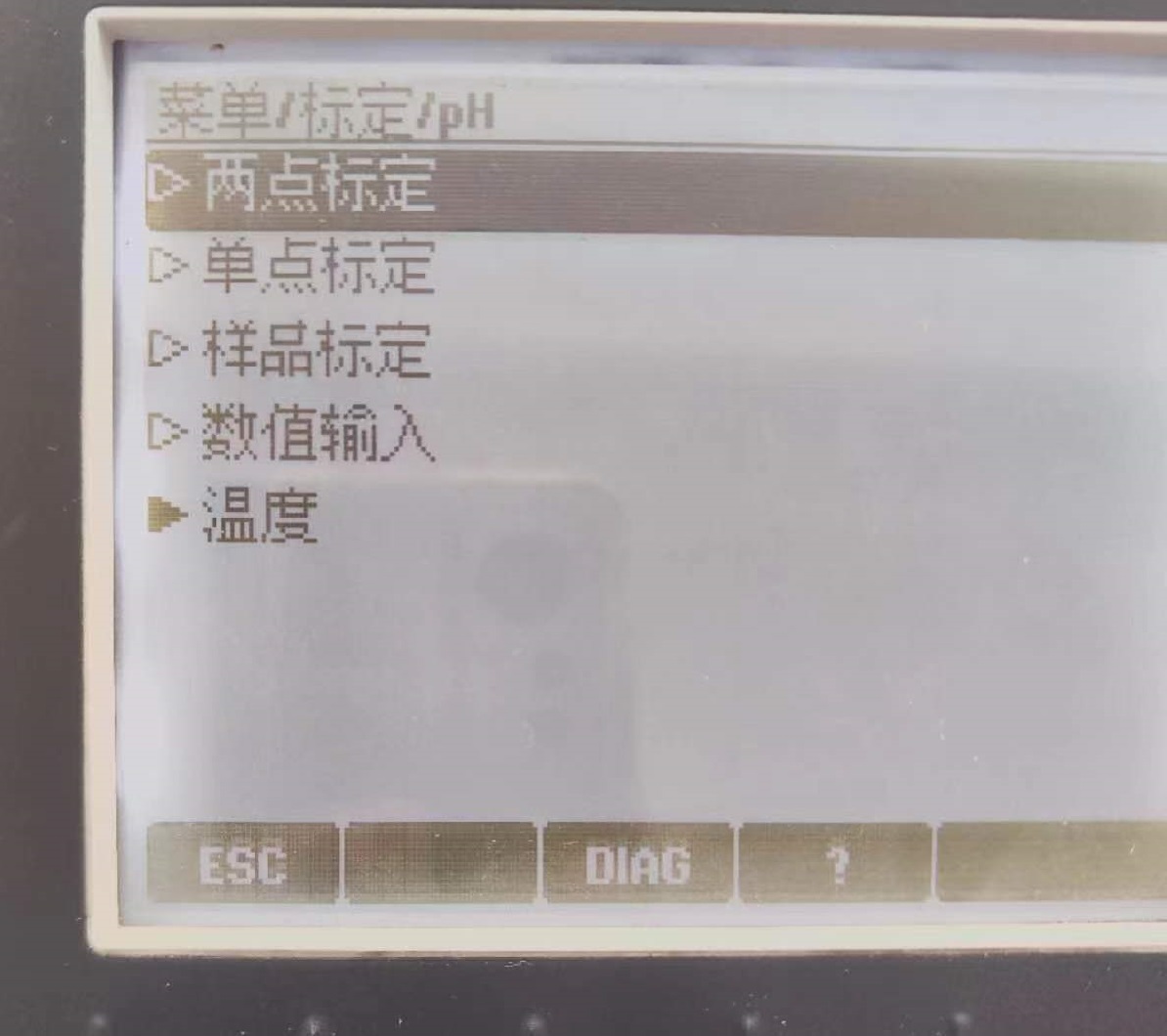
3. Here we choose a two-point calibration. Two-point calibration or multi-point calibration is to improve the accuracy of pH measurement, which means that two or more pH standard buffer solutions are selected to correct the electrode system and measure the actual percentage slope and positioning value of the pH composite electrode.
4. First, clean the electrode with pure water.
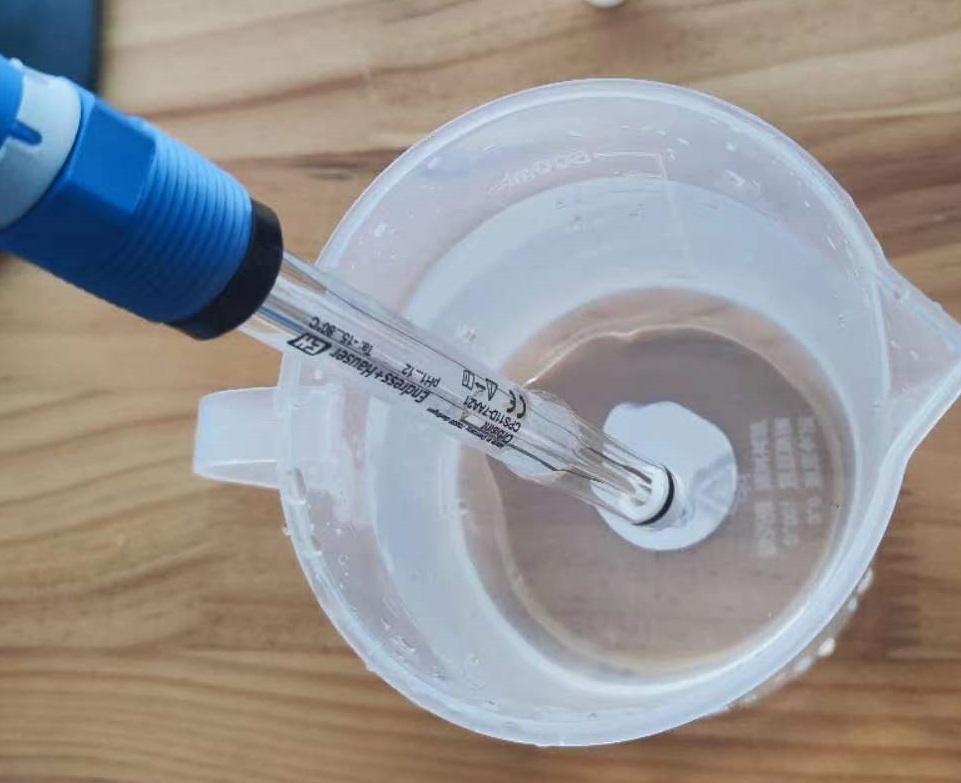
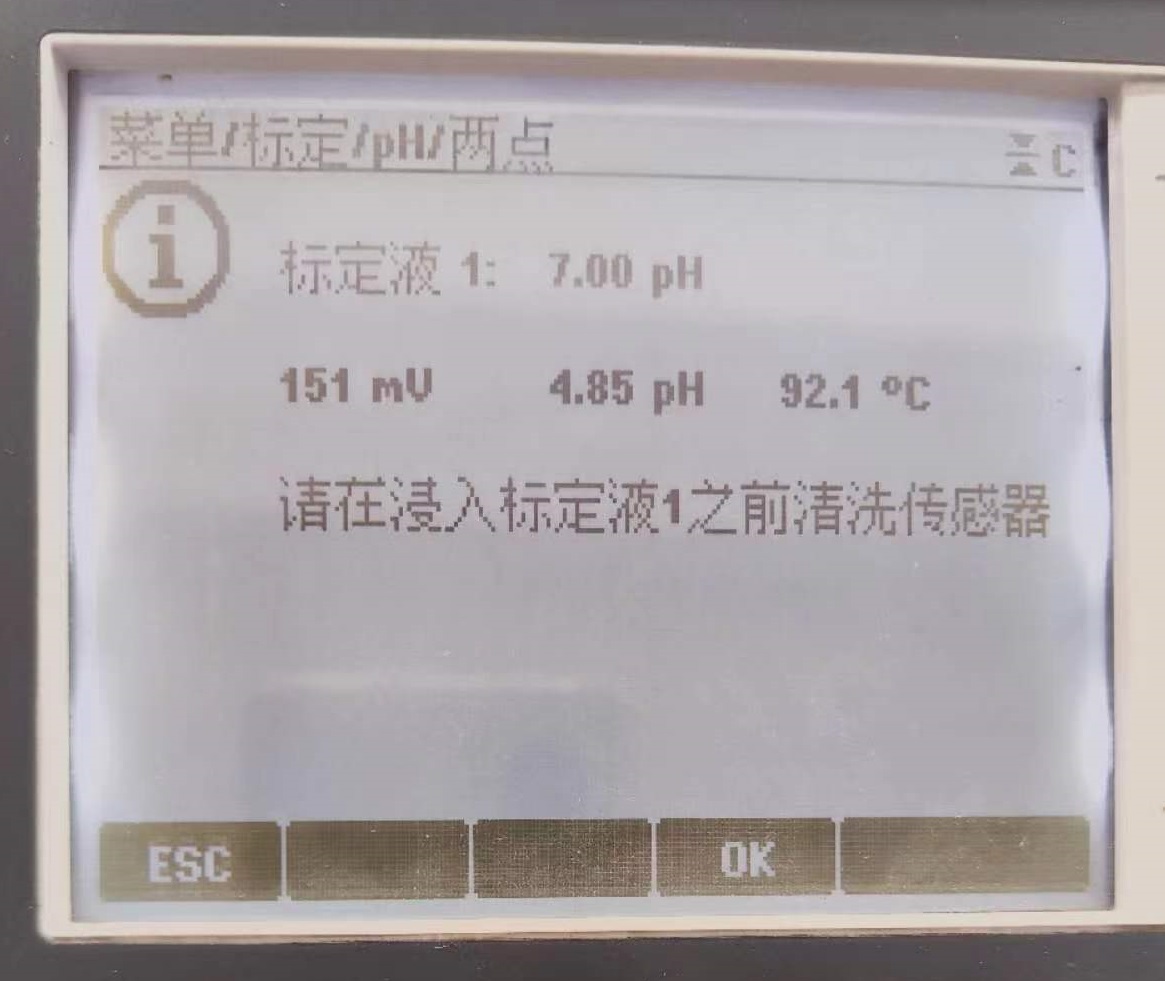
5. After cleaning, press OK according to the prompt on the display interface, and place the electrode in the solution with PH value of 7.00. After waiting for a period of time, the system will prompt that the calibration is completed, and then enter the next calibration according to the display interface.
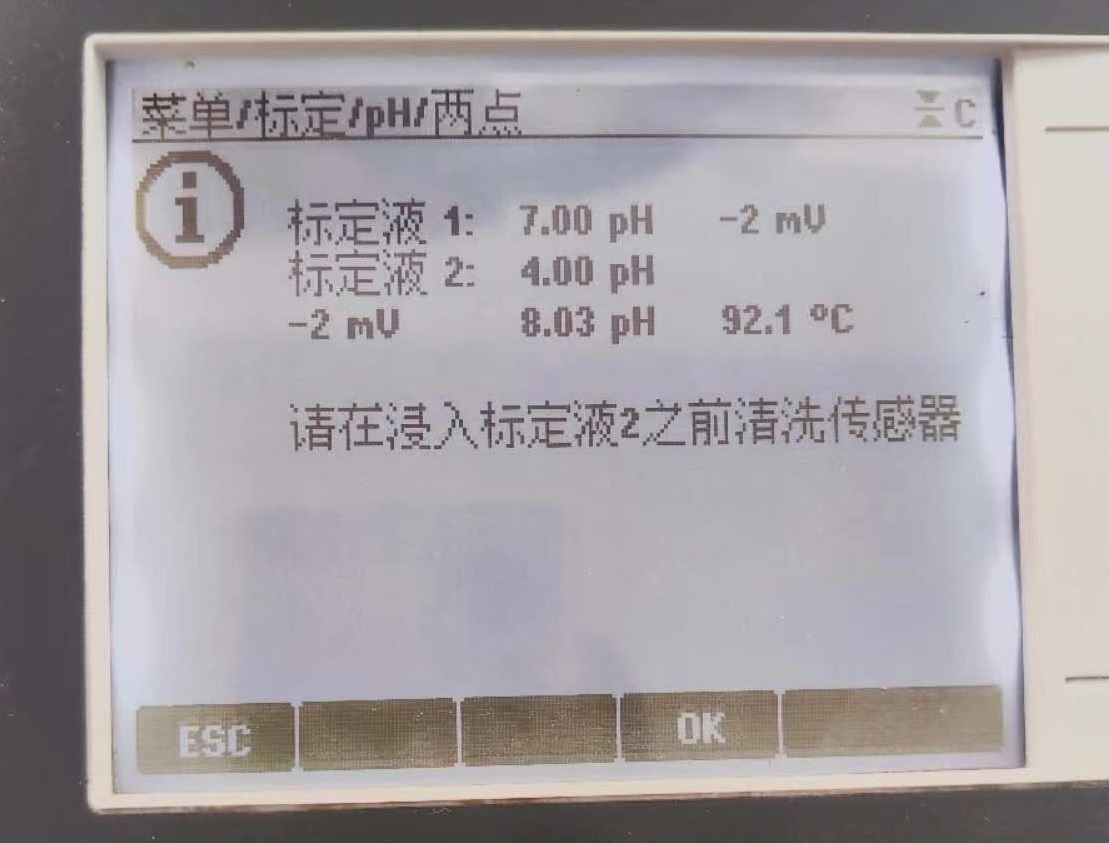
6. The next step is to calibrate the second point. First, the electrode needs to be cleaned with pure water and then put into a solution with a pH value of 4.00.
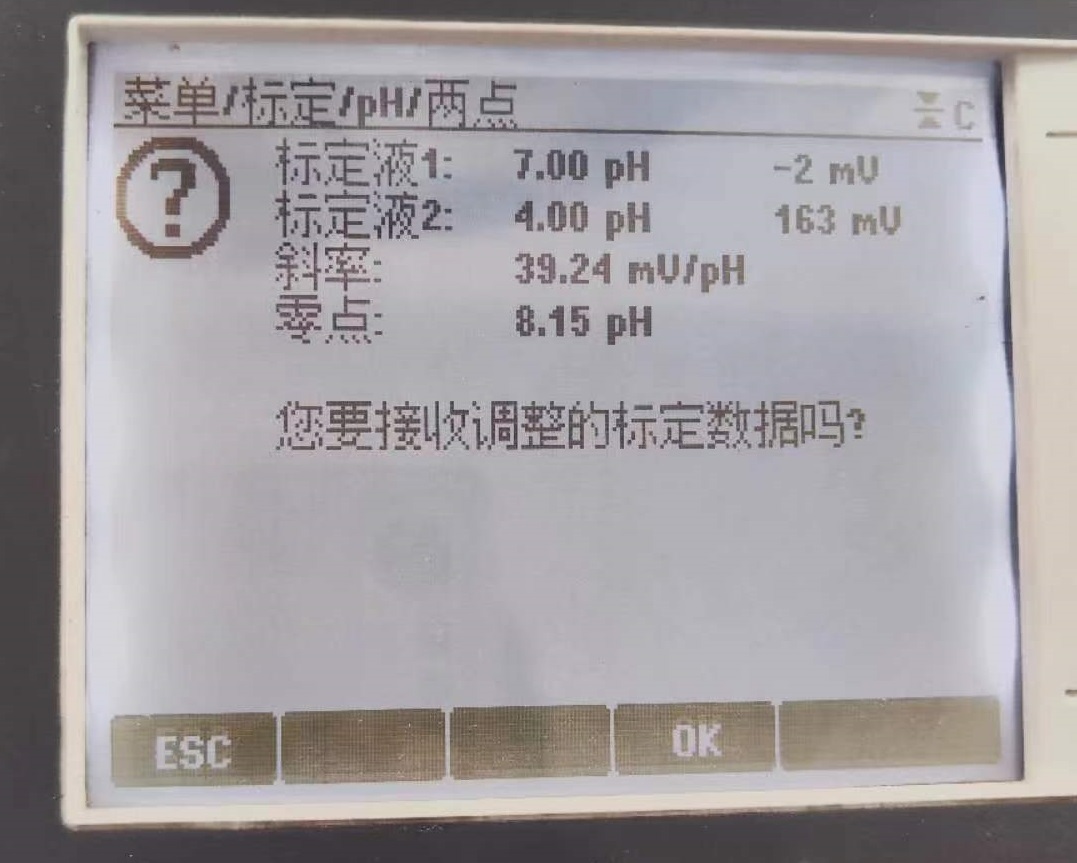
7. After the calibration is completed, the display interface will prompt whether it is necessary to receive the adjusted calibration data. Click OK to save the data of this two-point calibration.