
:
use the new version of Microsoft Edge, Google's chrome or other new versions of domestic browsers to access this site's query tools:old model search replacement, model parameter querythe following error occurred:
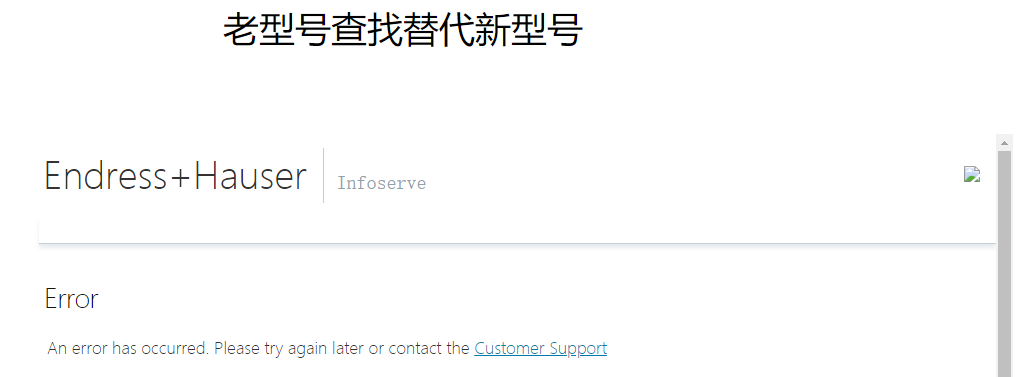
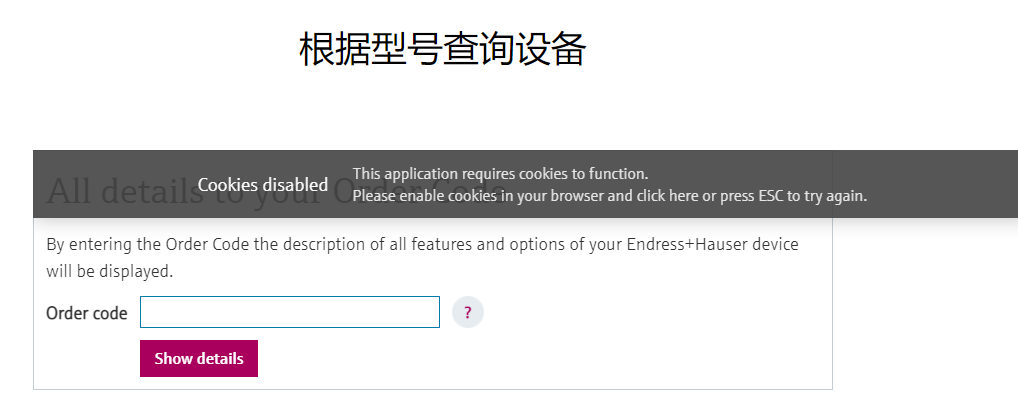
the above problems are basically caused by everyone upgrading their browsers. If you use IE browser or domestic browsers with dual cores (such as 360 browser), you can basically continue to use them normally. If you use the new version of Microsoft Edge and Google chrome, please set them according to the following methods:
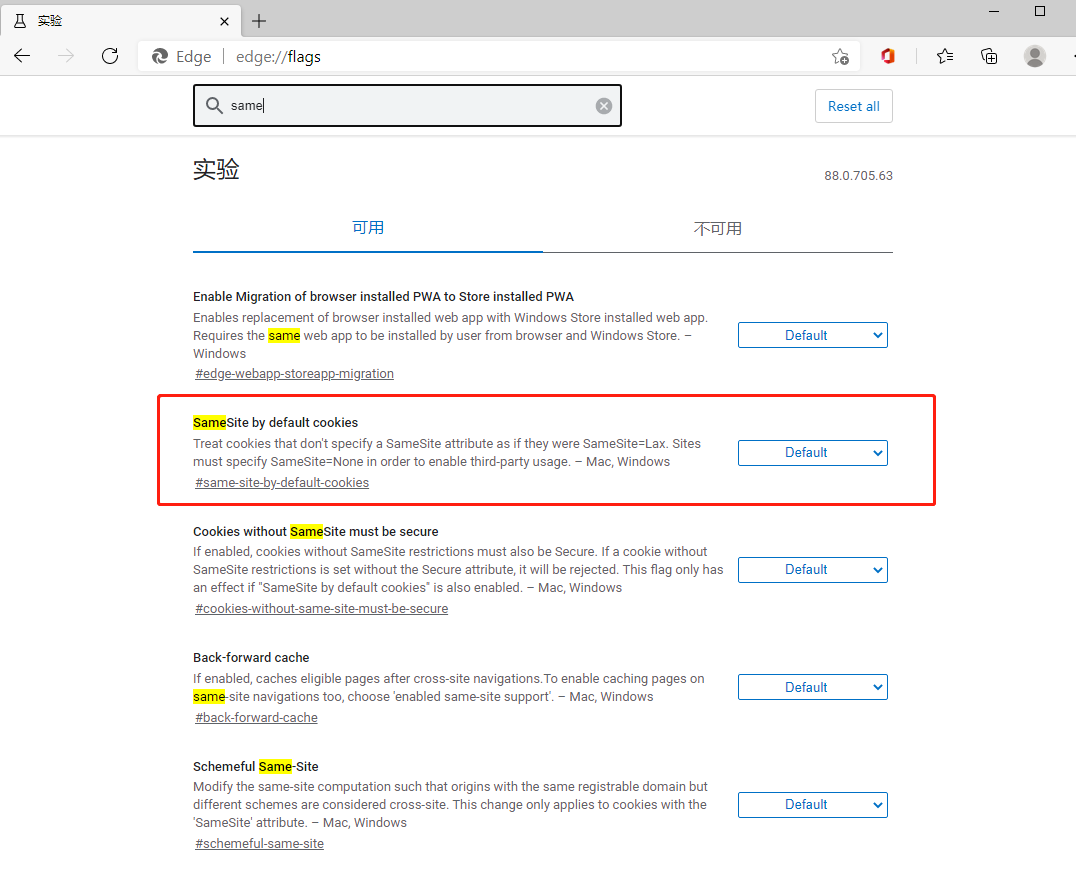
1. Microsoft Edge: Enter: edge:// flags in the address bar, Google's chrome: Enter: chrome:// flags in the address bar
2. Search same and find the red box option in the figure below. The default value here is Default.
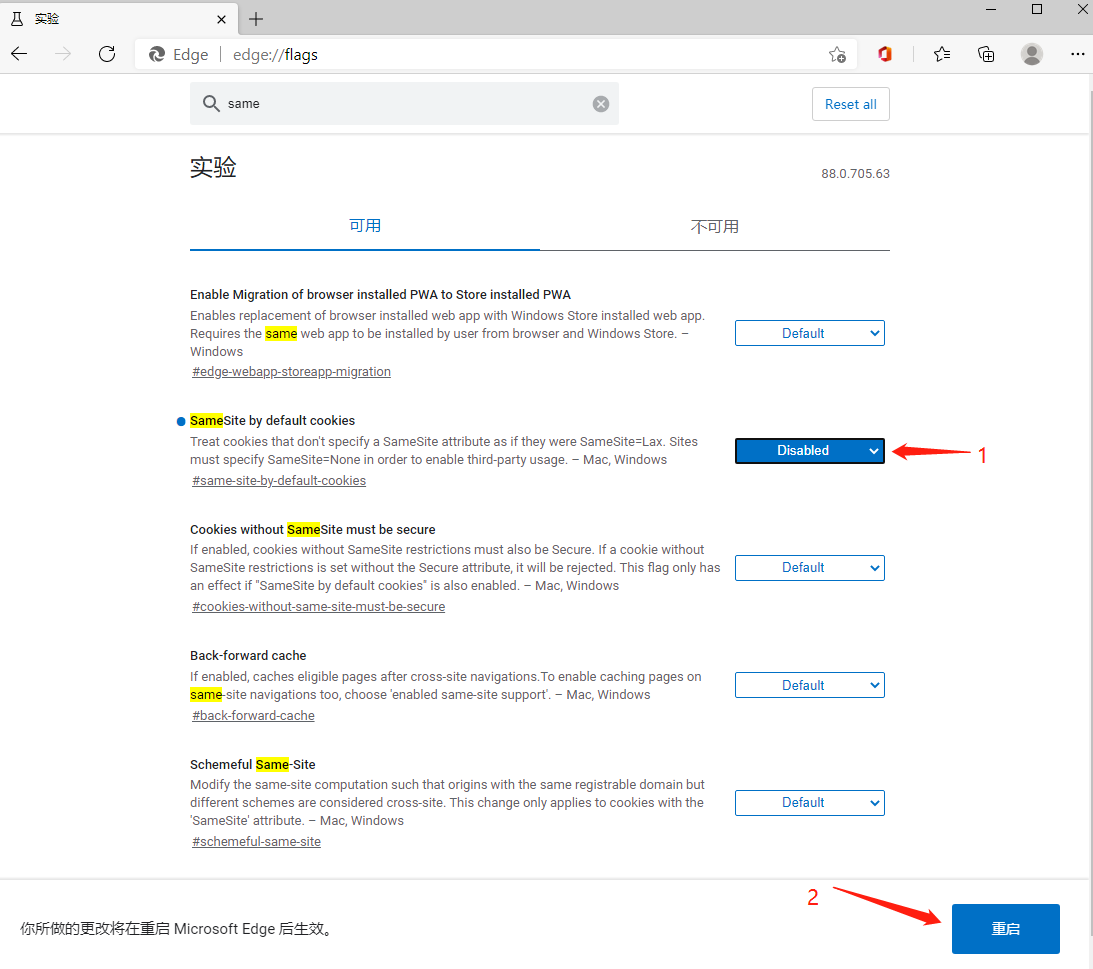
3. Modify the Default to Disable and restart
4. Problem solving.
(A Yi technology original, reprint please indicate)